
Slow push-in on the product as warm light sweeps across the label; gentle steam rises and the background stays perfectly still.
 Vidu Q4
Animate a single image into cinematic motion, or keep characters and objects consistent across shots with up to 12 reference images. Vidu Q4 produces synchronized audio and up to 4K output in 3-16 second clips.
Vidu Q4 (Preview) is the flagship video generation model in ShengShu Technology's Vidu line. It focuses on image-conditioned generation: image-to-video animates a single frame, while reference-to-video keeps characters, objects and styles consistent across shots.
vidu-q4.com is an independent third-party site that offers an online workbench for Vidu Q4 plus guides and prompt examples. It is not the official Vidu website and is not affiliated with Vidu or ShengShu Technology.
| Clip length | 3-16 seconds |
|---|---|
| Audio | Native synchronized sound & dialogue |
| Resolution | 540p, 720p, 1080p, 2K, 4K |
| Aspect ratios | 16:9 · 9:16 · 1:1 · 4:3 · 3:4 (i2v follows source) |
| Inputs | 1 start image, or up to 12 references + 3 audio clips |
Starting points for image-to-video and reference-to-video. Each still is a workflow illustration, not a Vidu Q4 render.
Slow push-in on the product as warm light sweeps across the label; gentle steam rises and the background stays perfectly still.
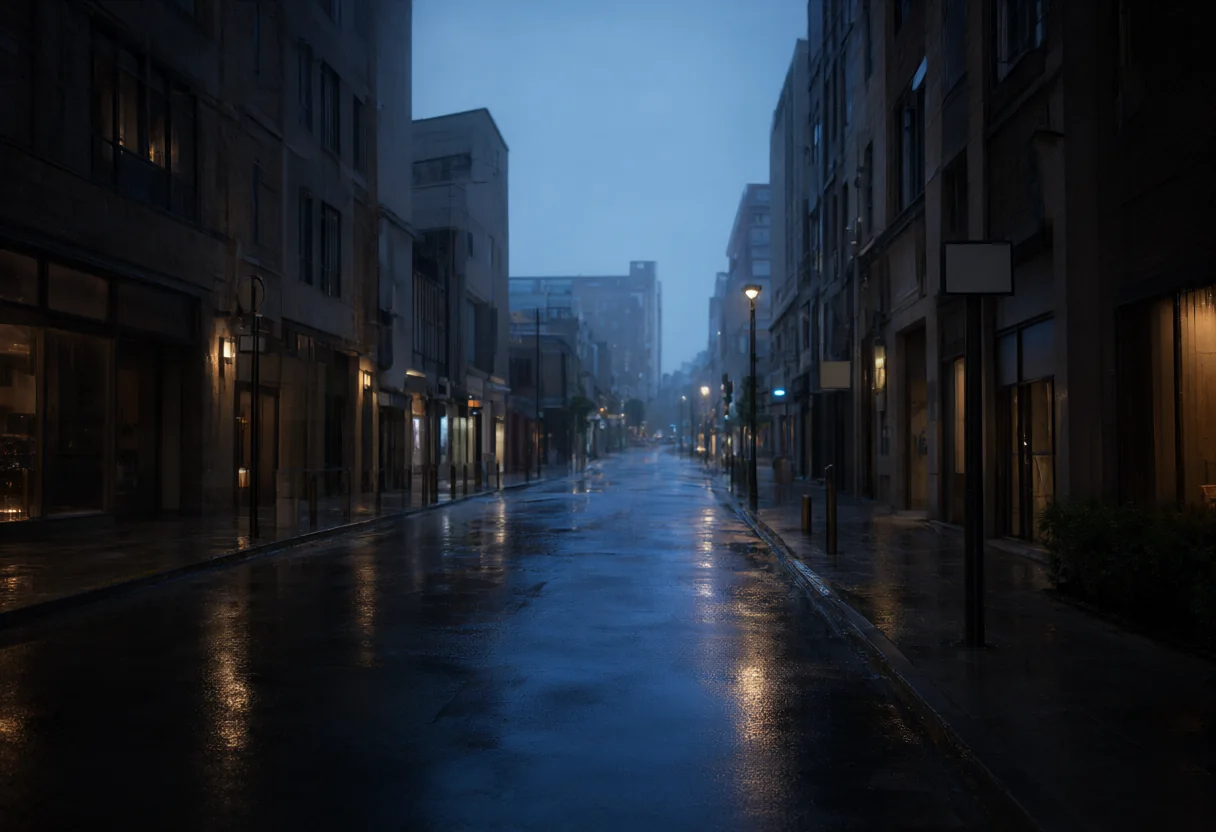
Aerial drift over the skyline at dusk; traffic trails form below as the camera tilts down toward street level.
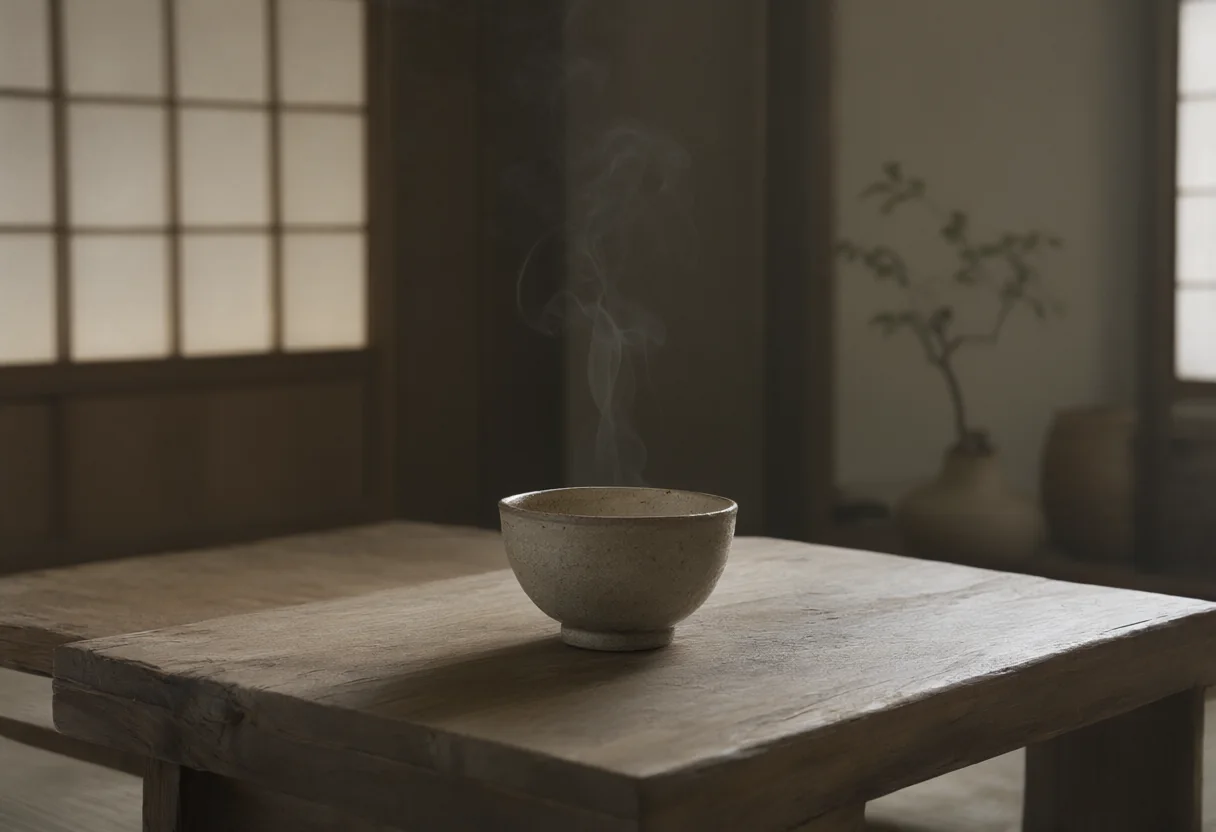
Macro shot of tea pouring into a ceramic cup, shallow depth of field, steam curling softly into frame.
From upload to finished clip in three steps.
Image-to-video needs one start frame. Reference-to-video takes up to 12 reference images plus optional voice or audio clips.
Describe motion, camera and mood. Then pick duration (3-16s), resolution up to 4K, an aspect ratio, and whether to generate audio.
Submit the task, watch progress in the workbench, then preview and download the finished clip.
Vidu Q4 focuses on image-conditioned generation. Pick the workflow that matches your assets.
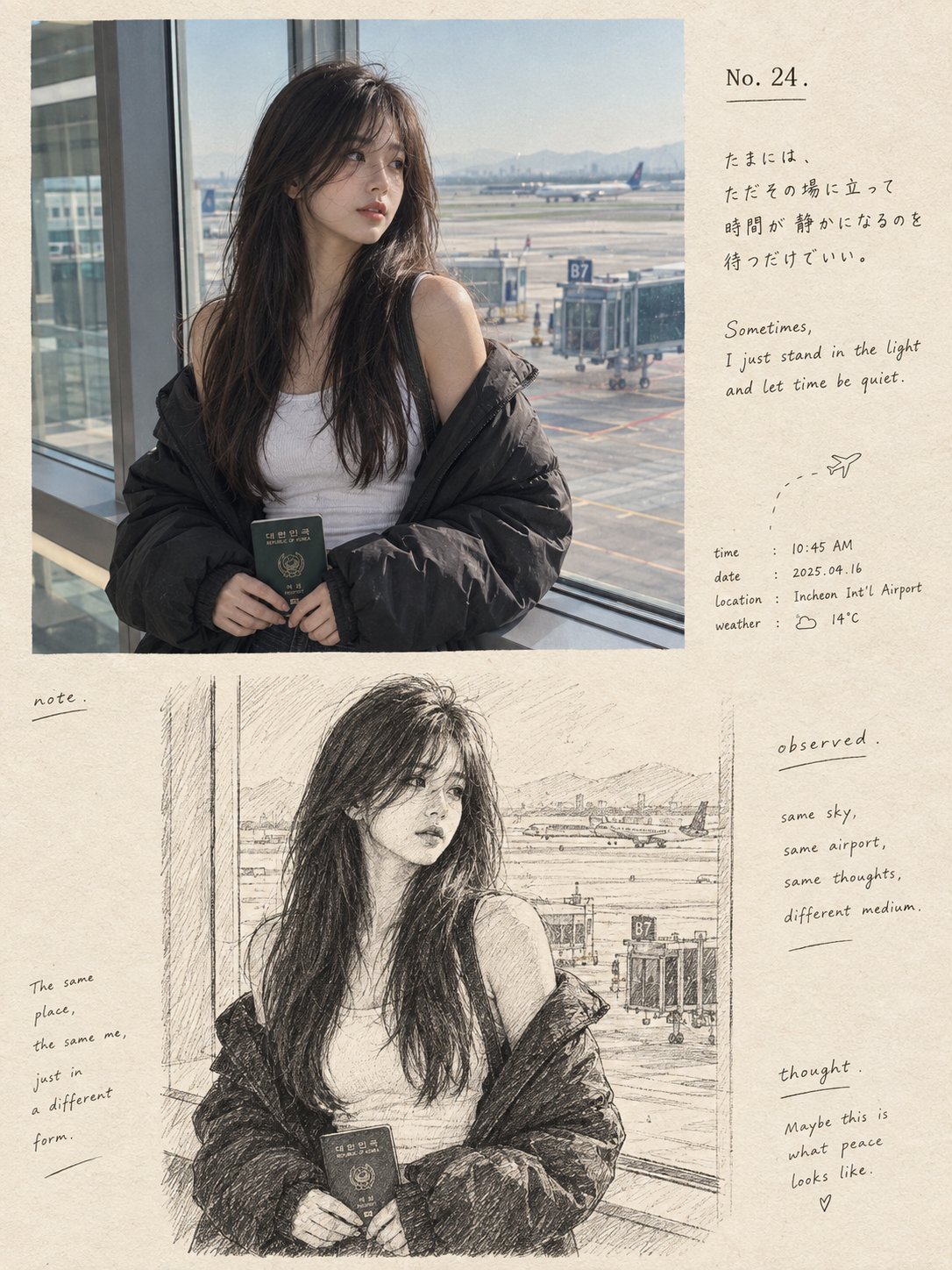
Animate one image into a 3-16 second clip. The frame's aspect ratio carries over, and prompt expansion can add cinematic detail automatically.
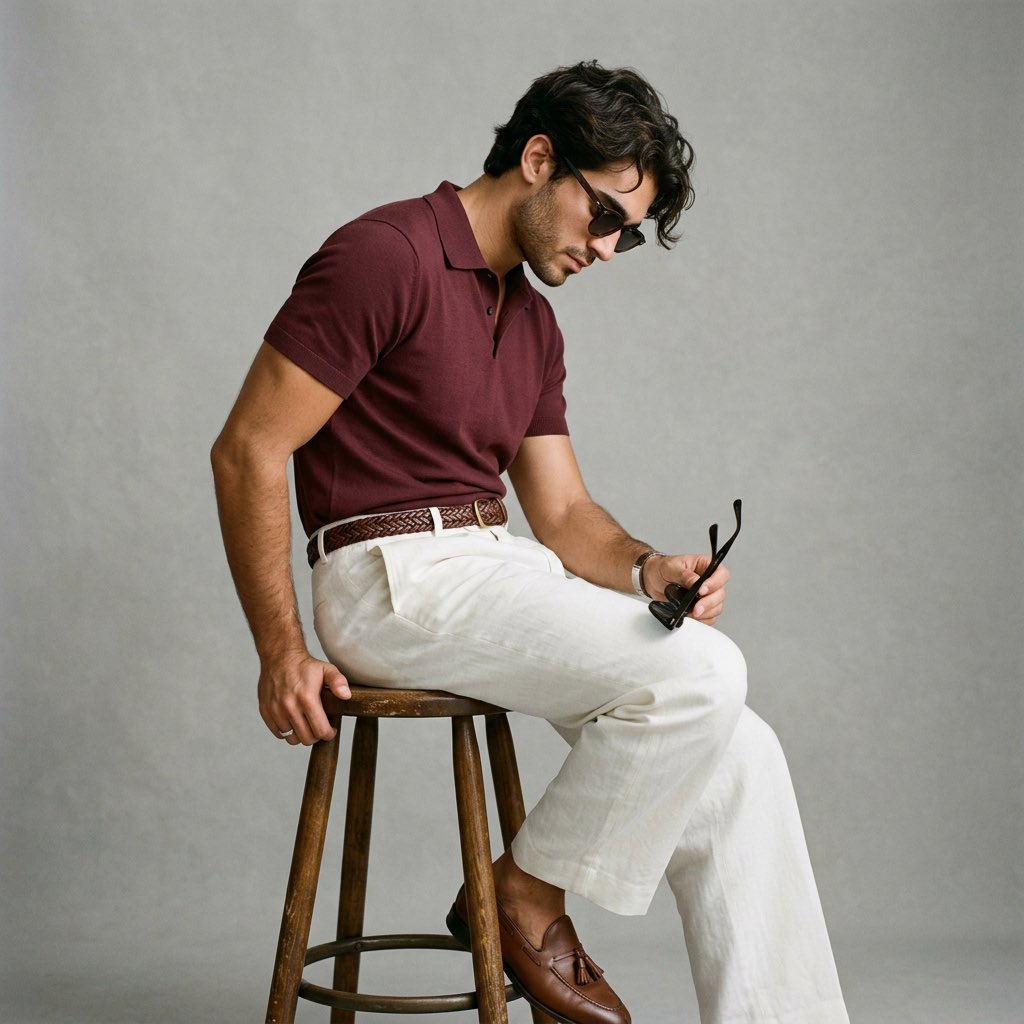
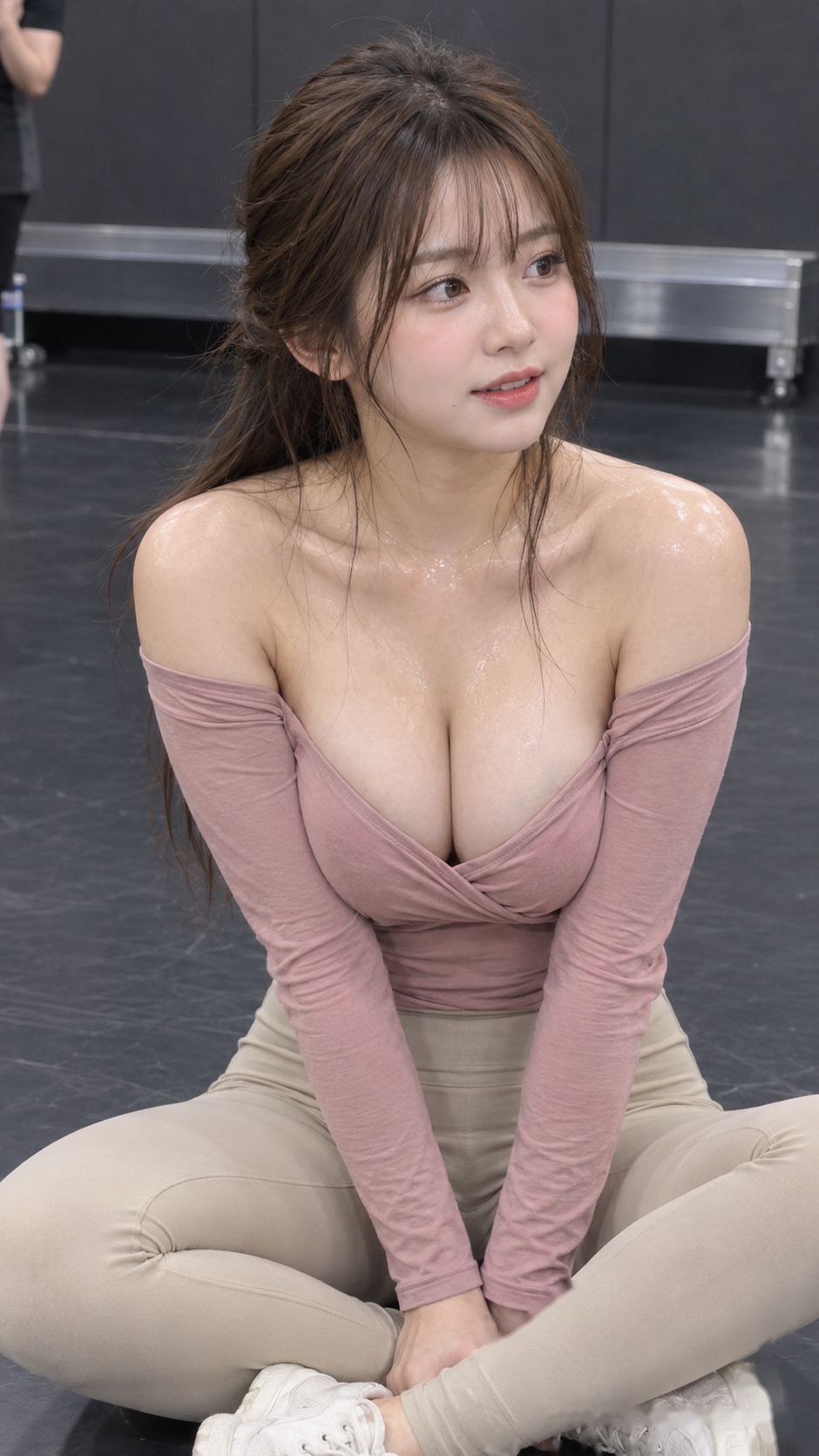
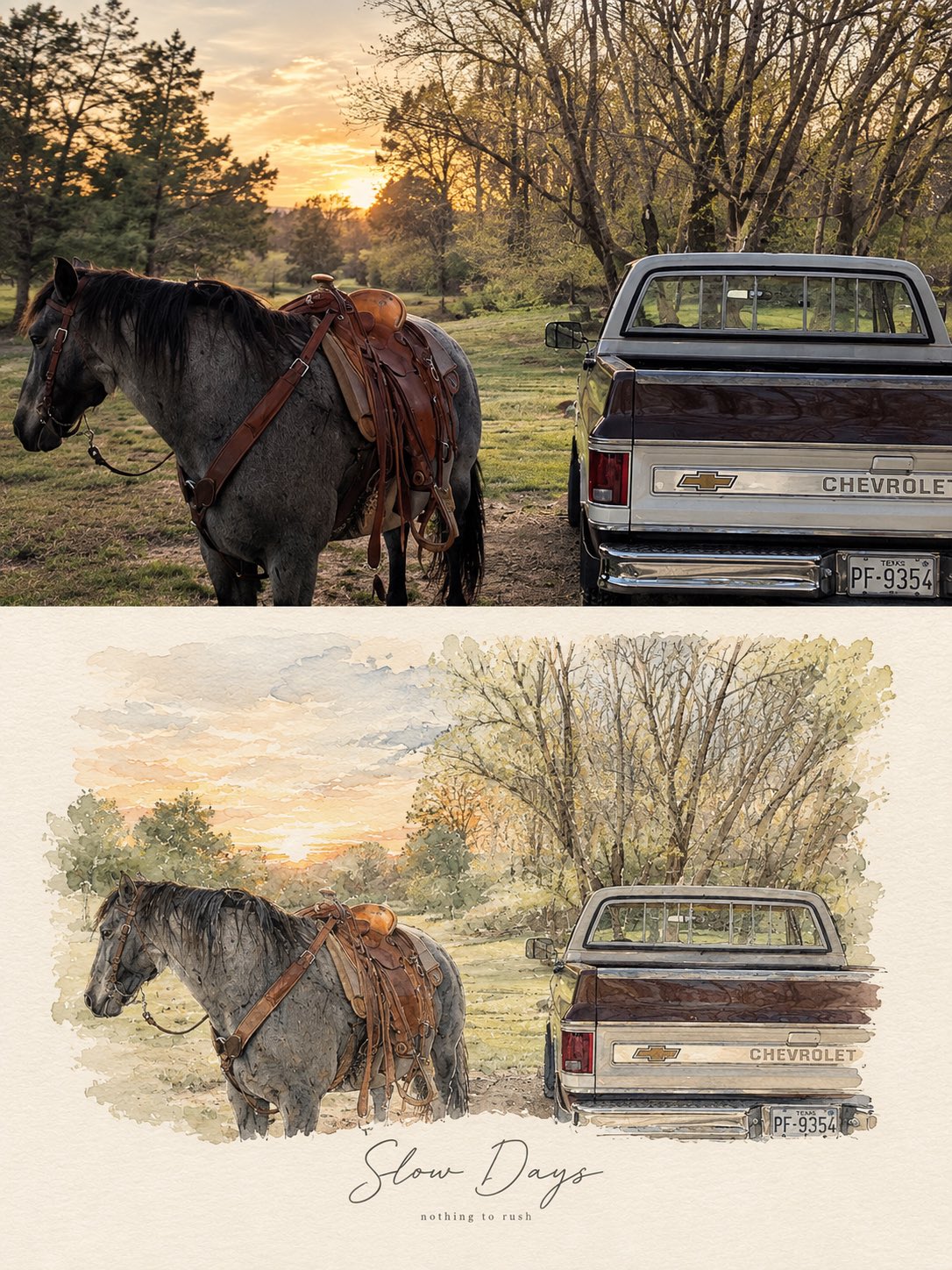
Combine up to 12 reference images and up to 3 audio references to keep characters, objects and style consistent across shots, built for series content and ads.
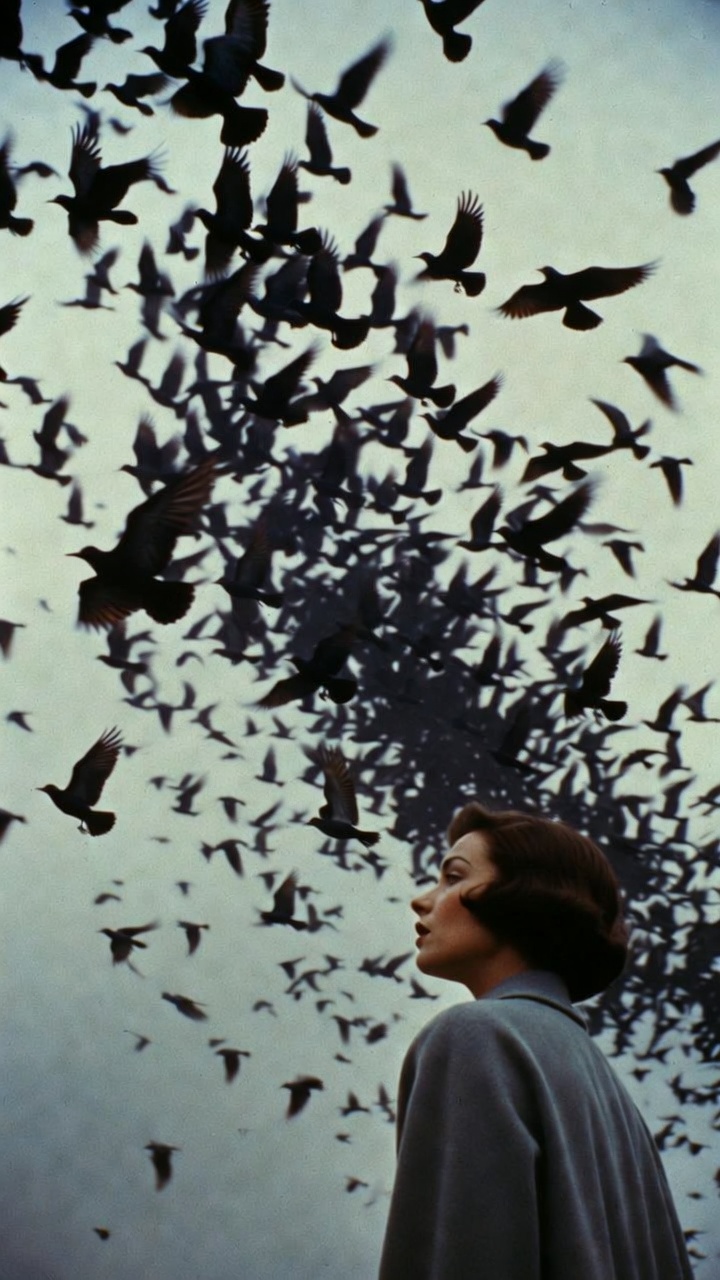
Feed Vidu Q4 up to 12 reference images (characters, objects, scenes) and point at them in the prompt with @image-1 style tags to keep identity stable from shot to shot.
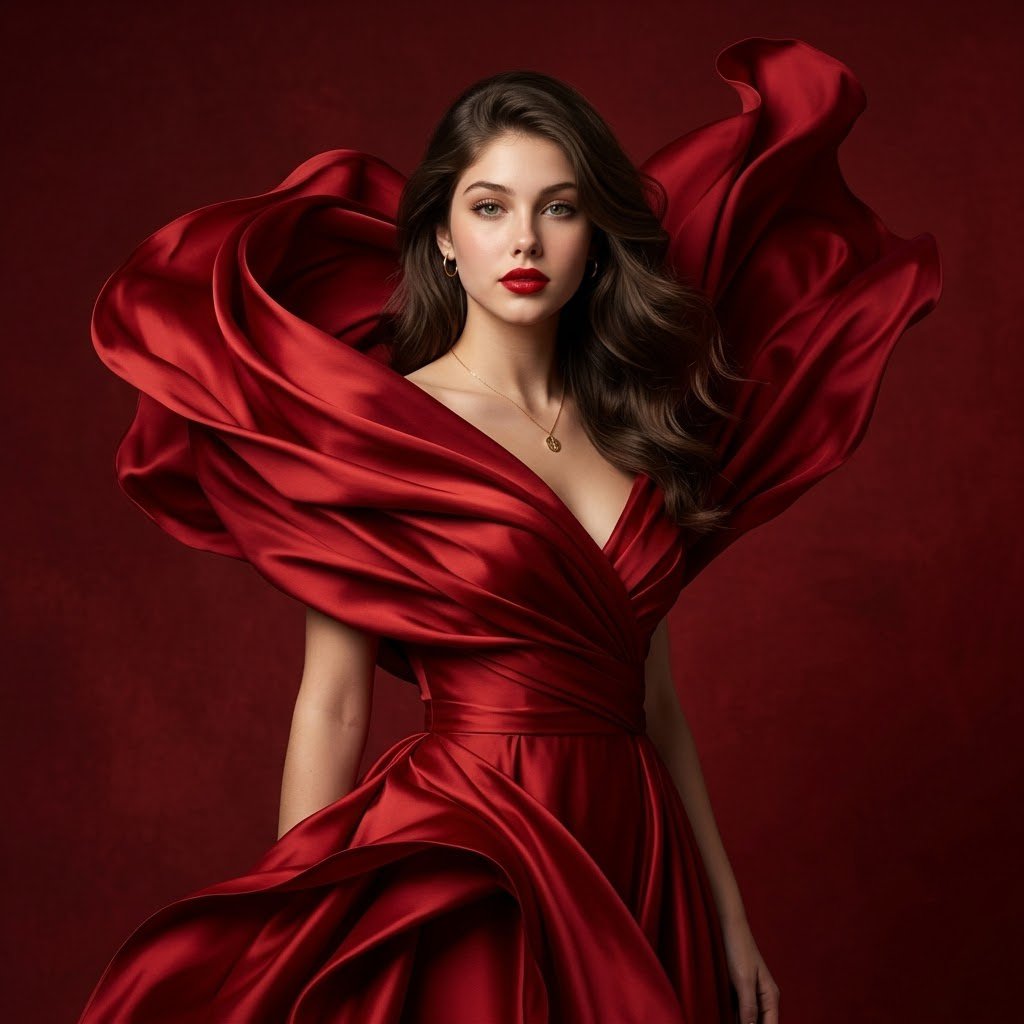
Vidu Q4 generates synchronized audio (ambience, effects and lip-matched speech) together with the picture instead of as a separate step.
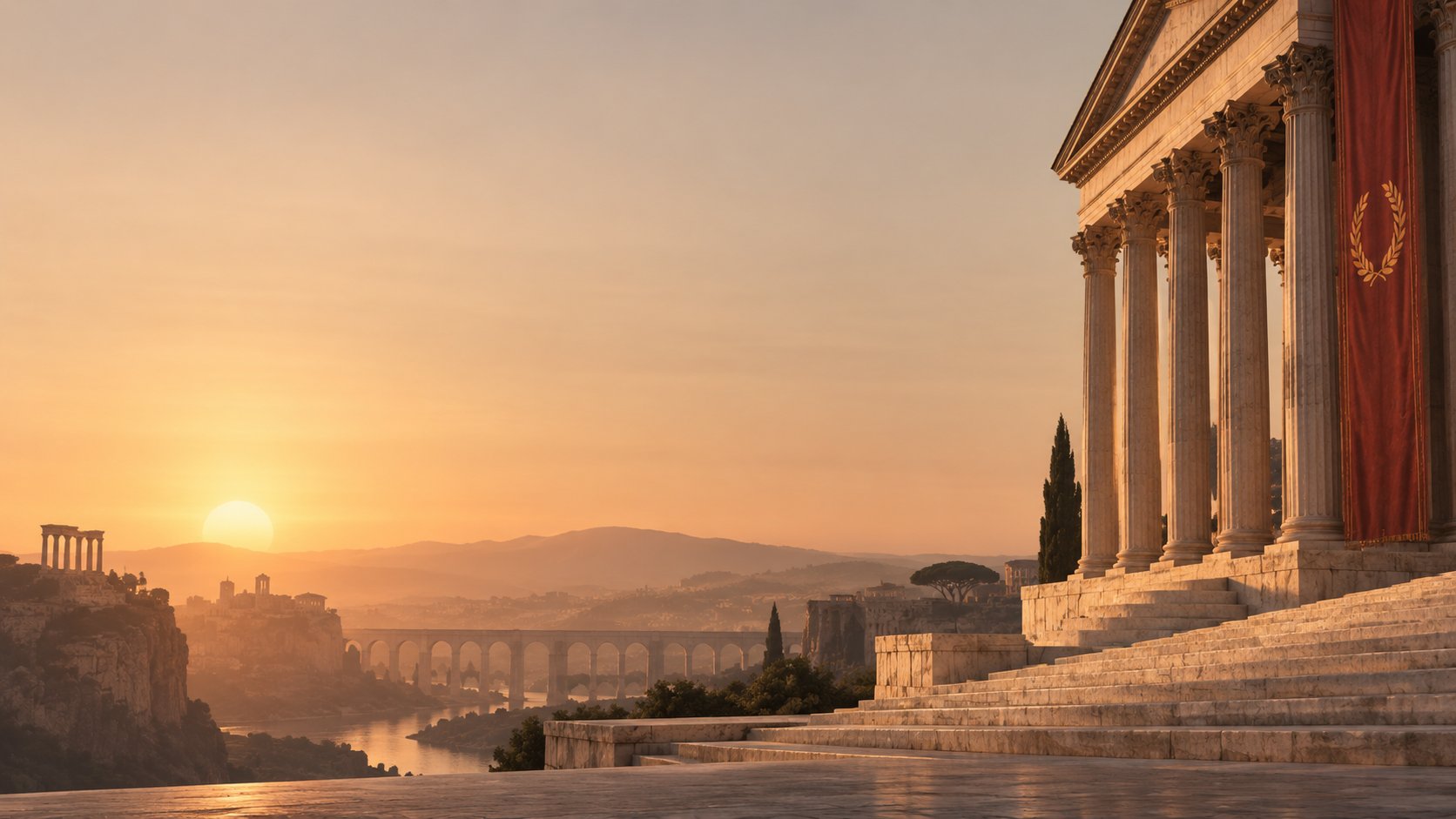
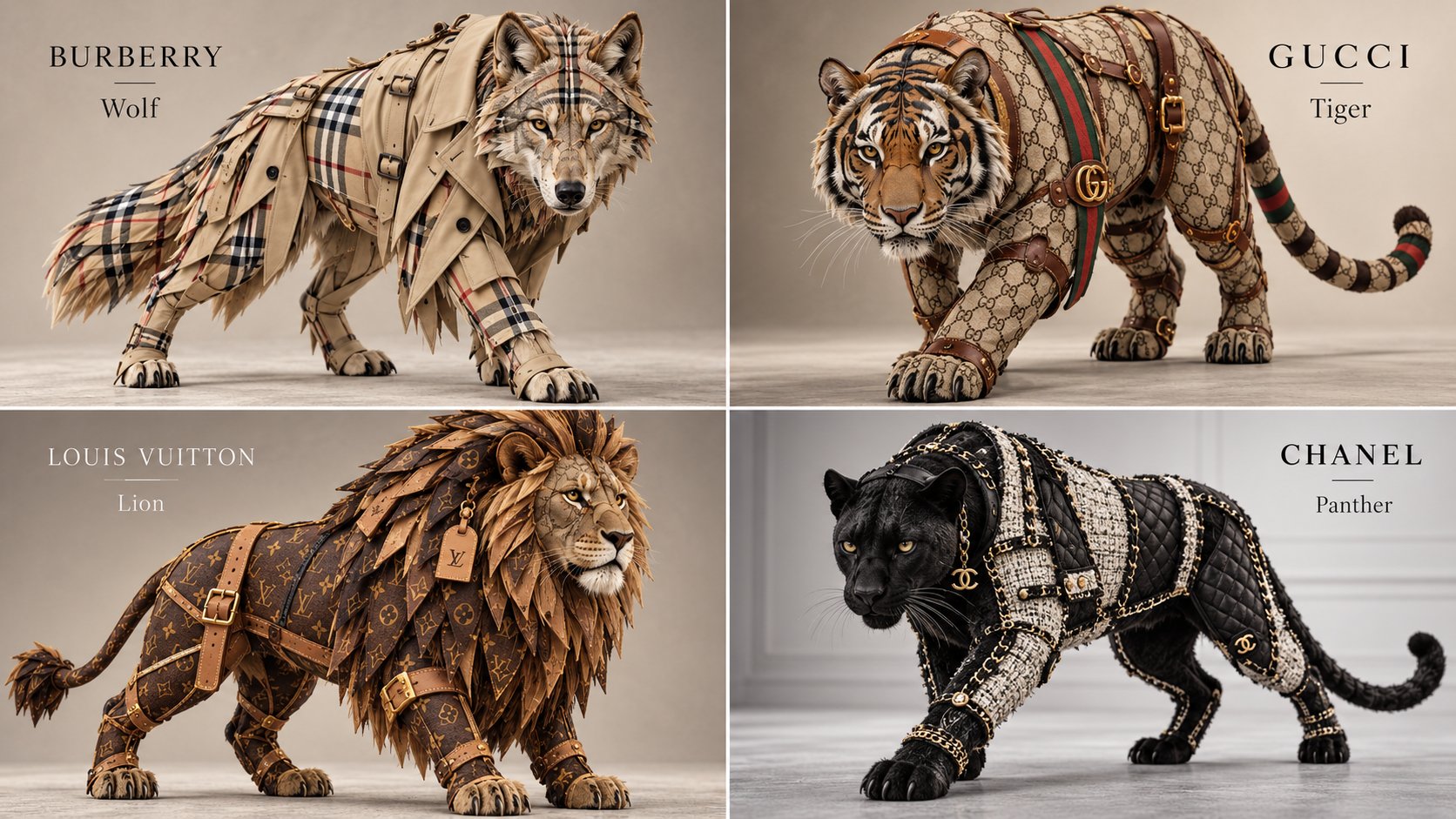
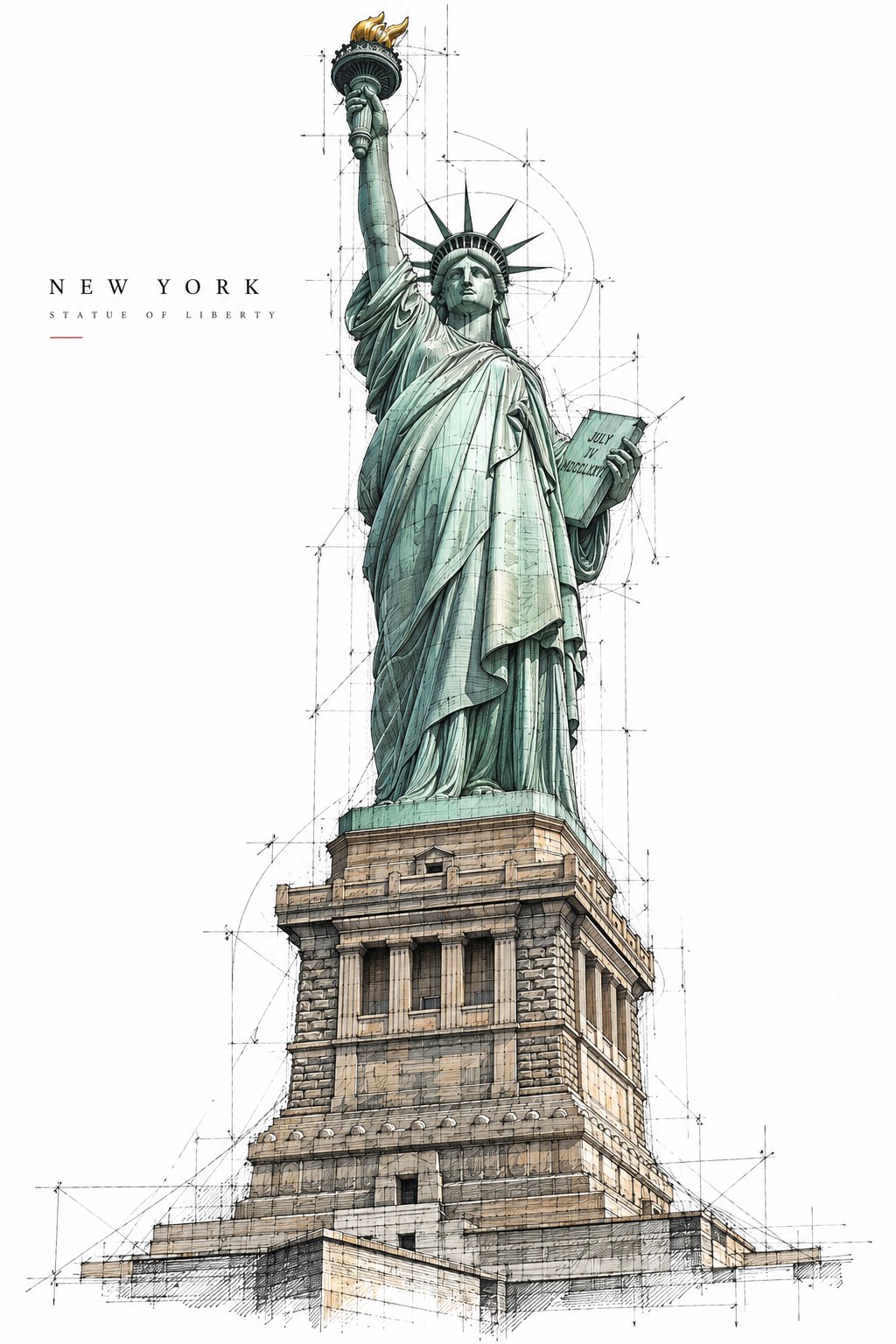
Draft at 540p, deliver at 4K. Clips run 3-16 seconds, and reference mode offers five aspect ratios for every platform.
A glimpse of the reference-driven workflows creators run in the studio: characters, products and scenes that stay consistent from shot to shot. Images shown are workflow illustrations.
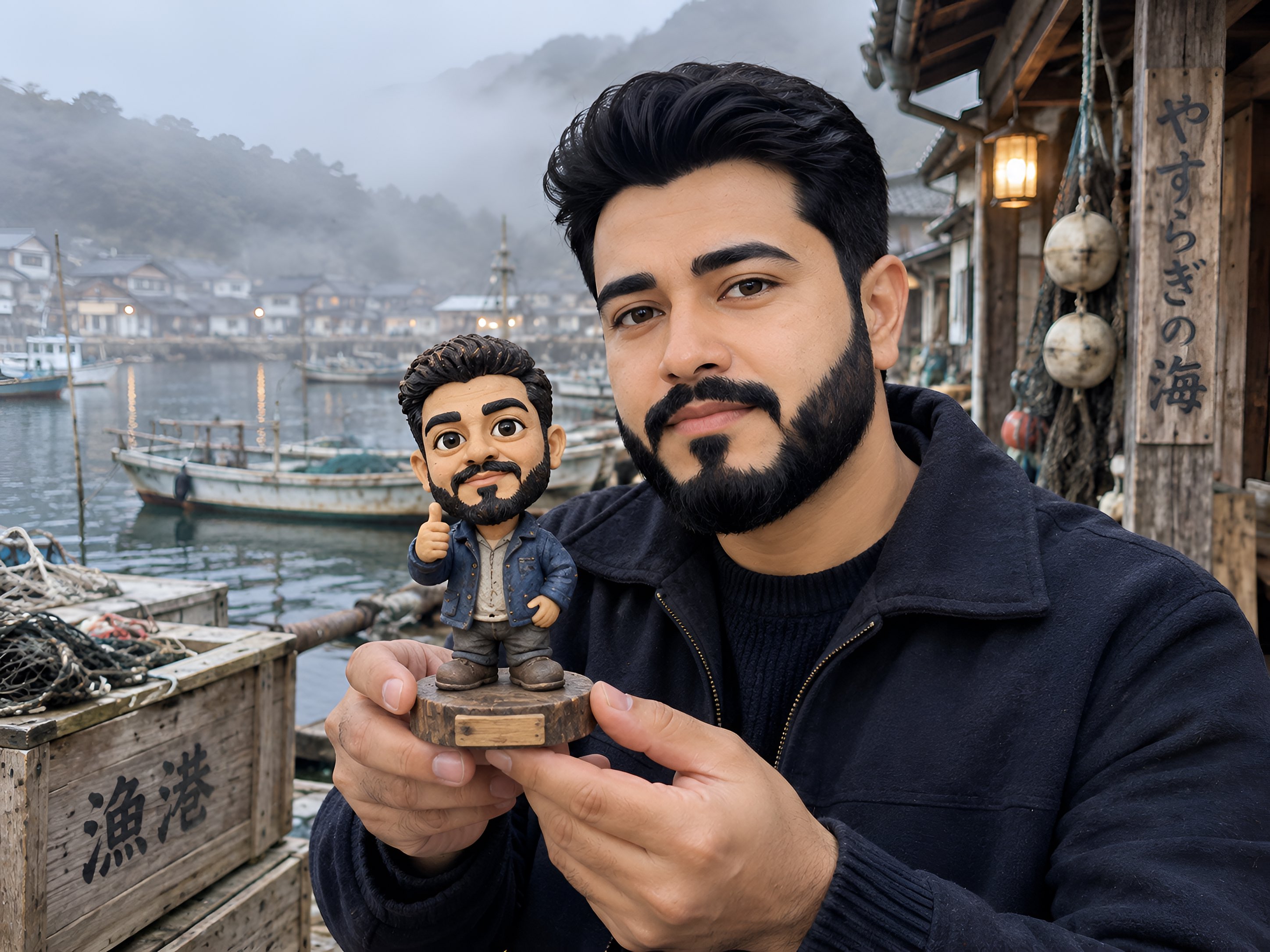
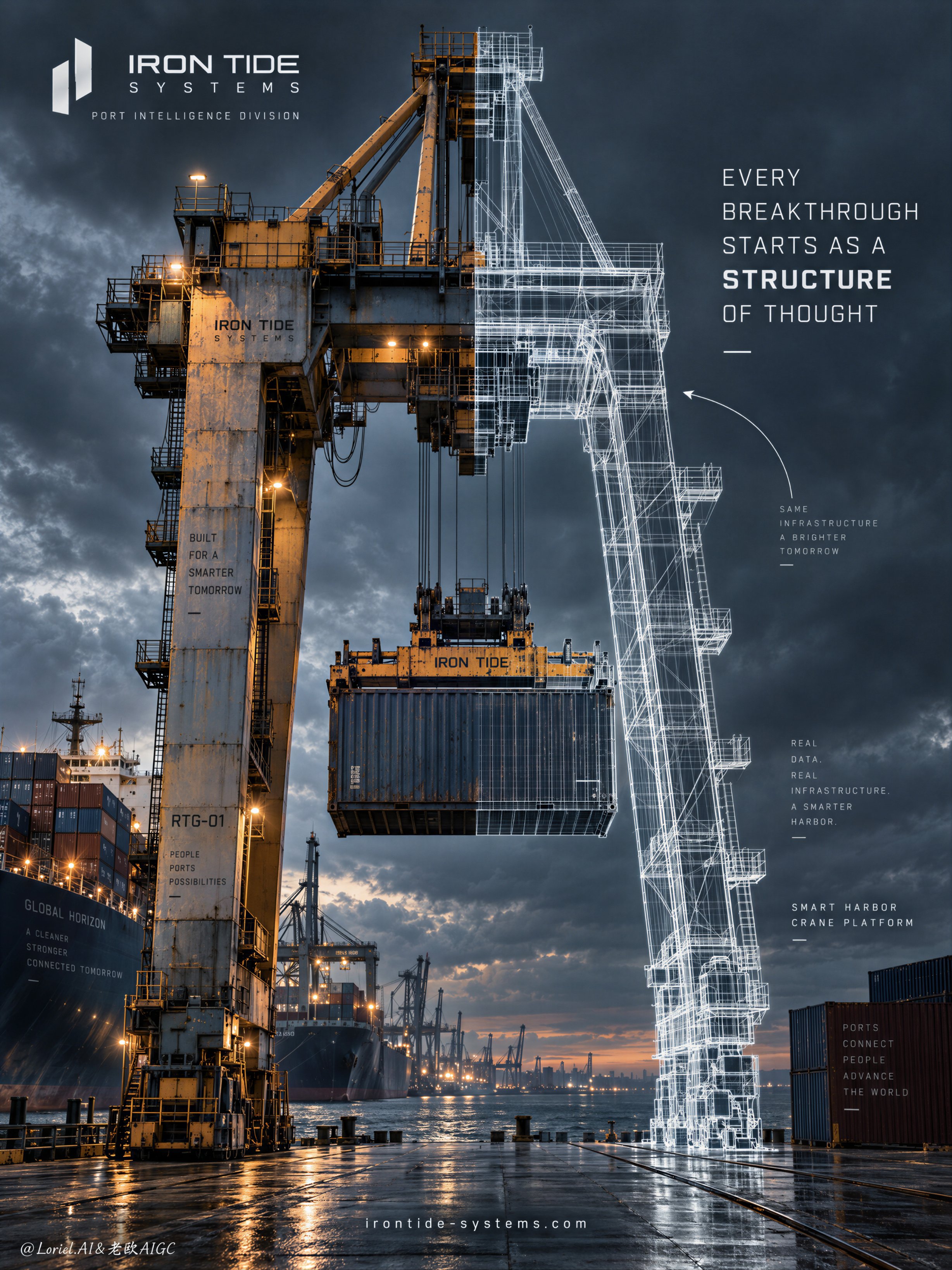
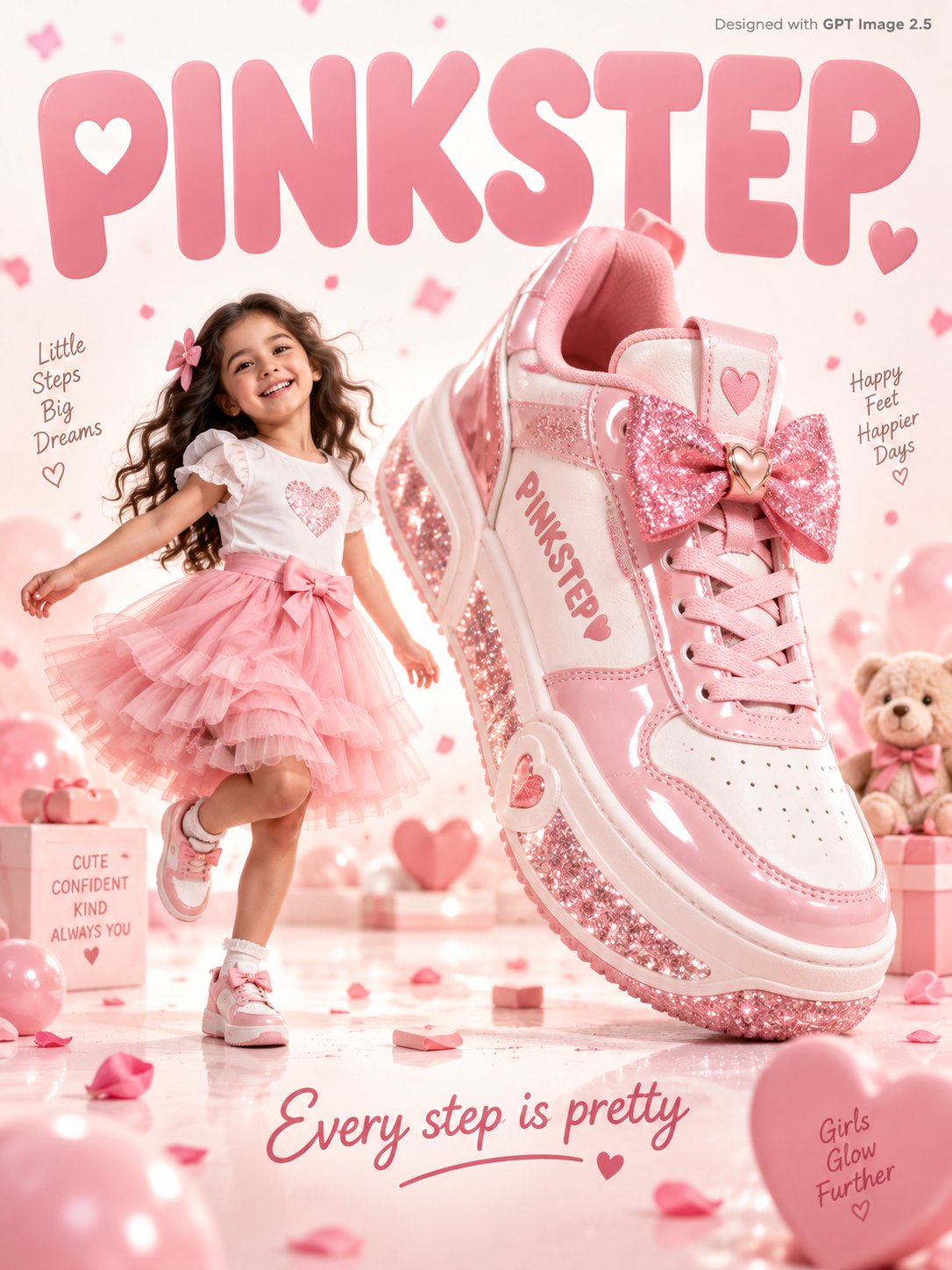
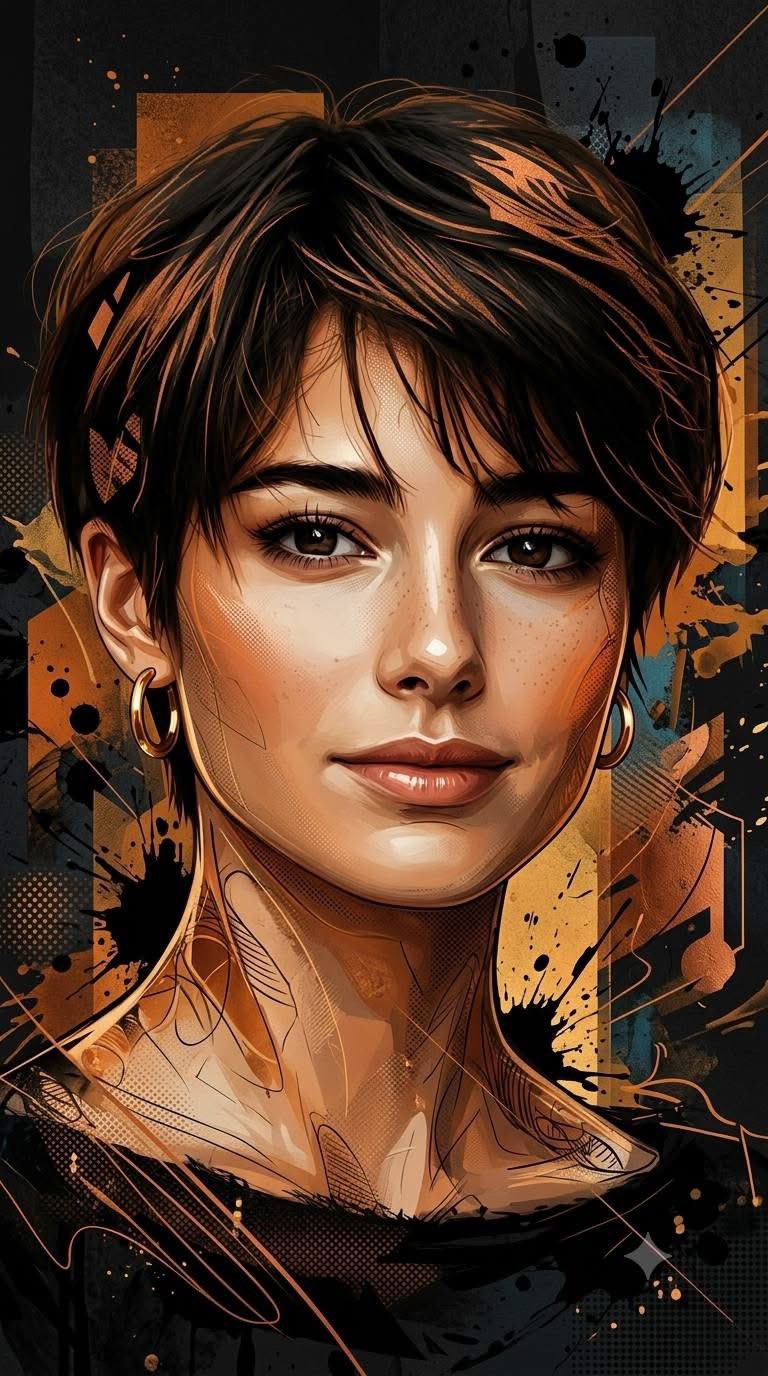
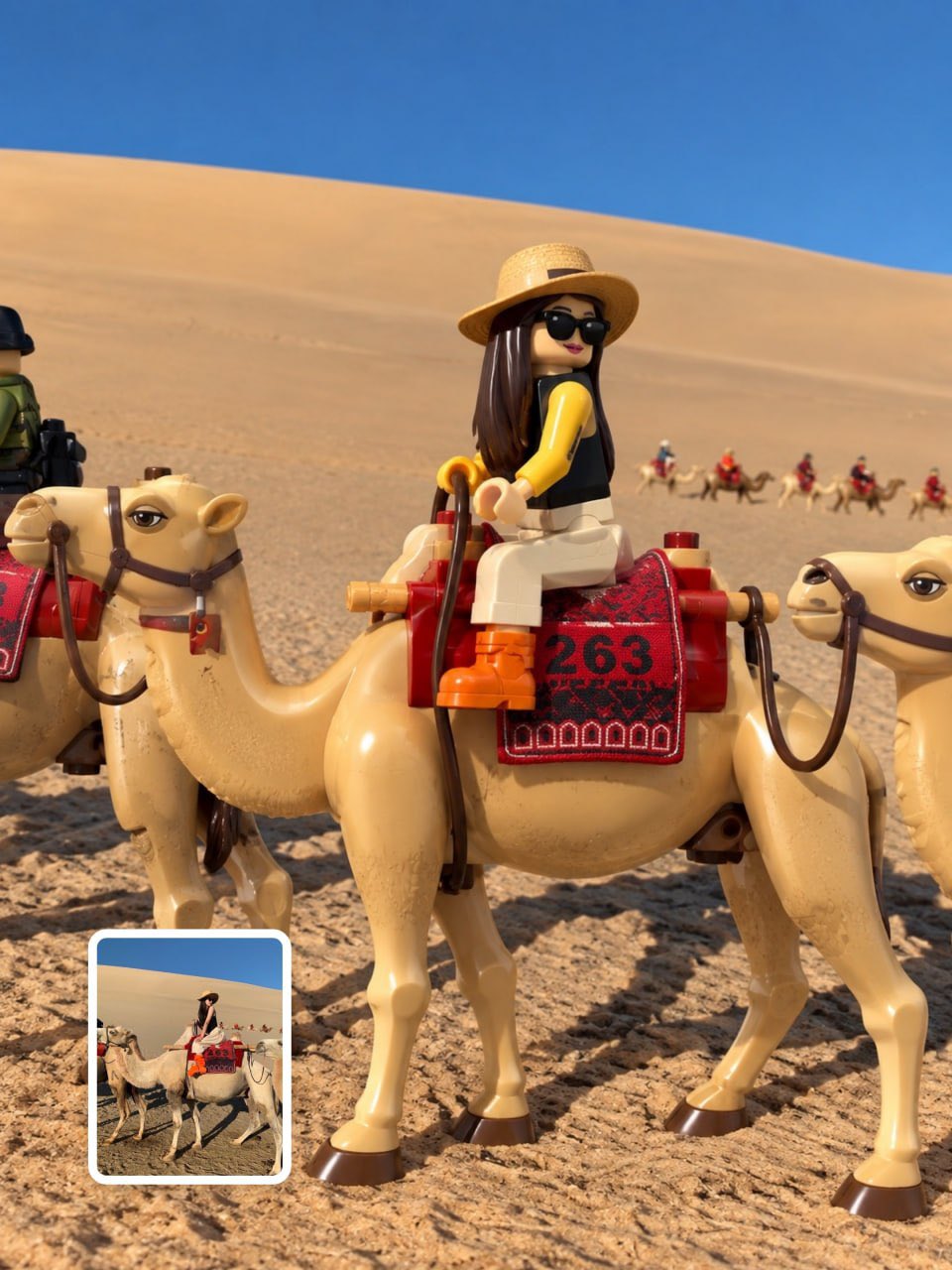

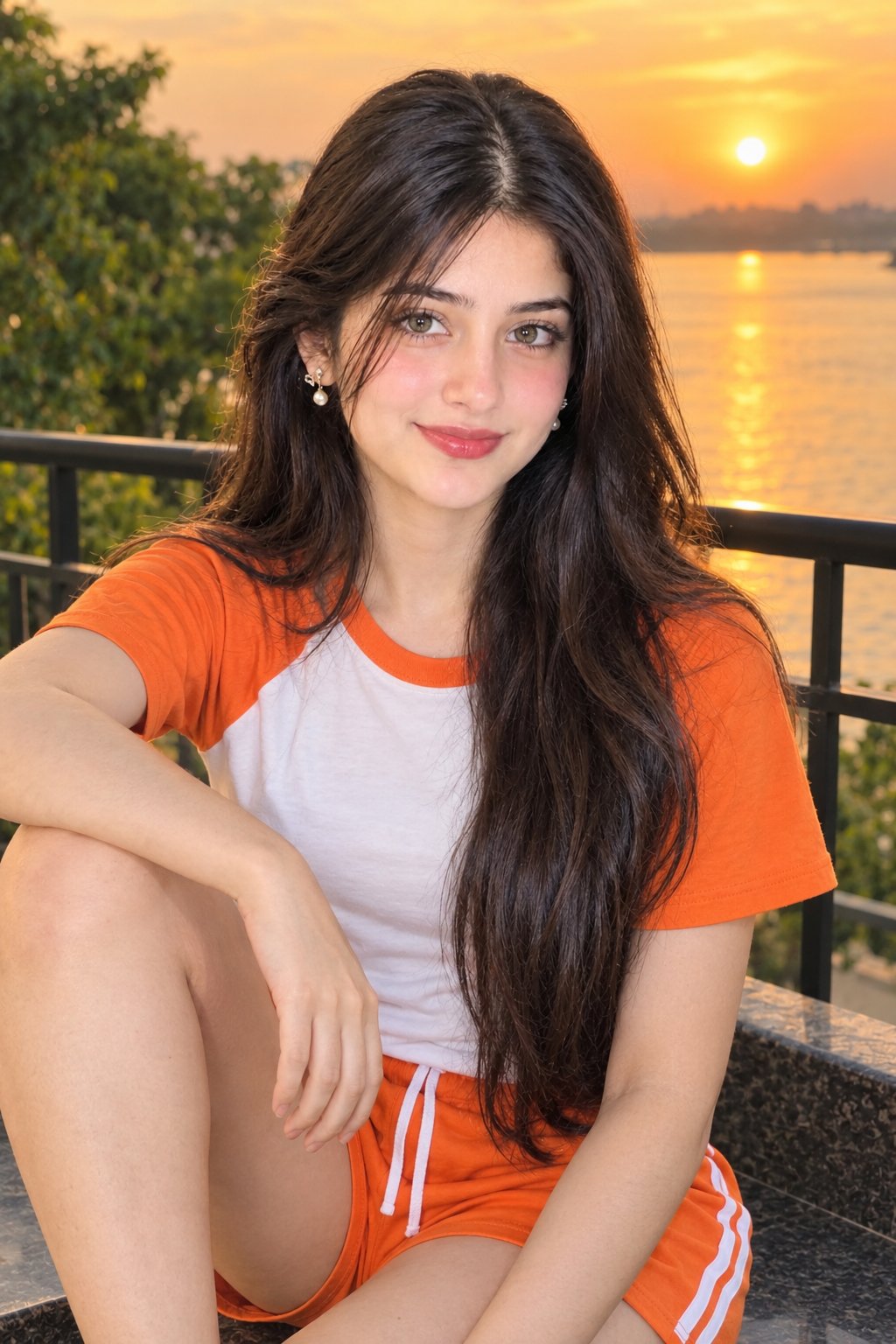
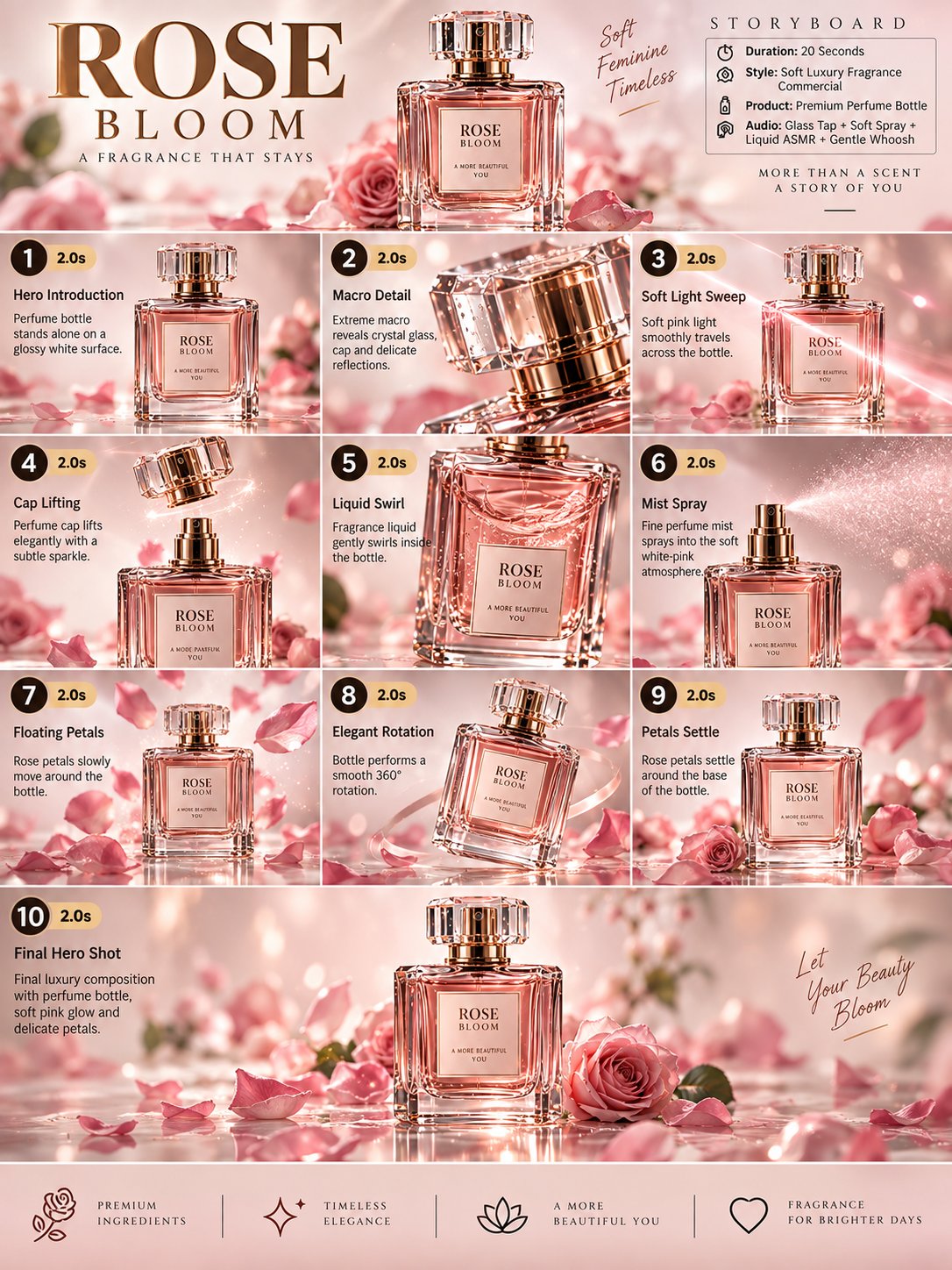
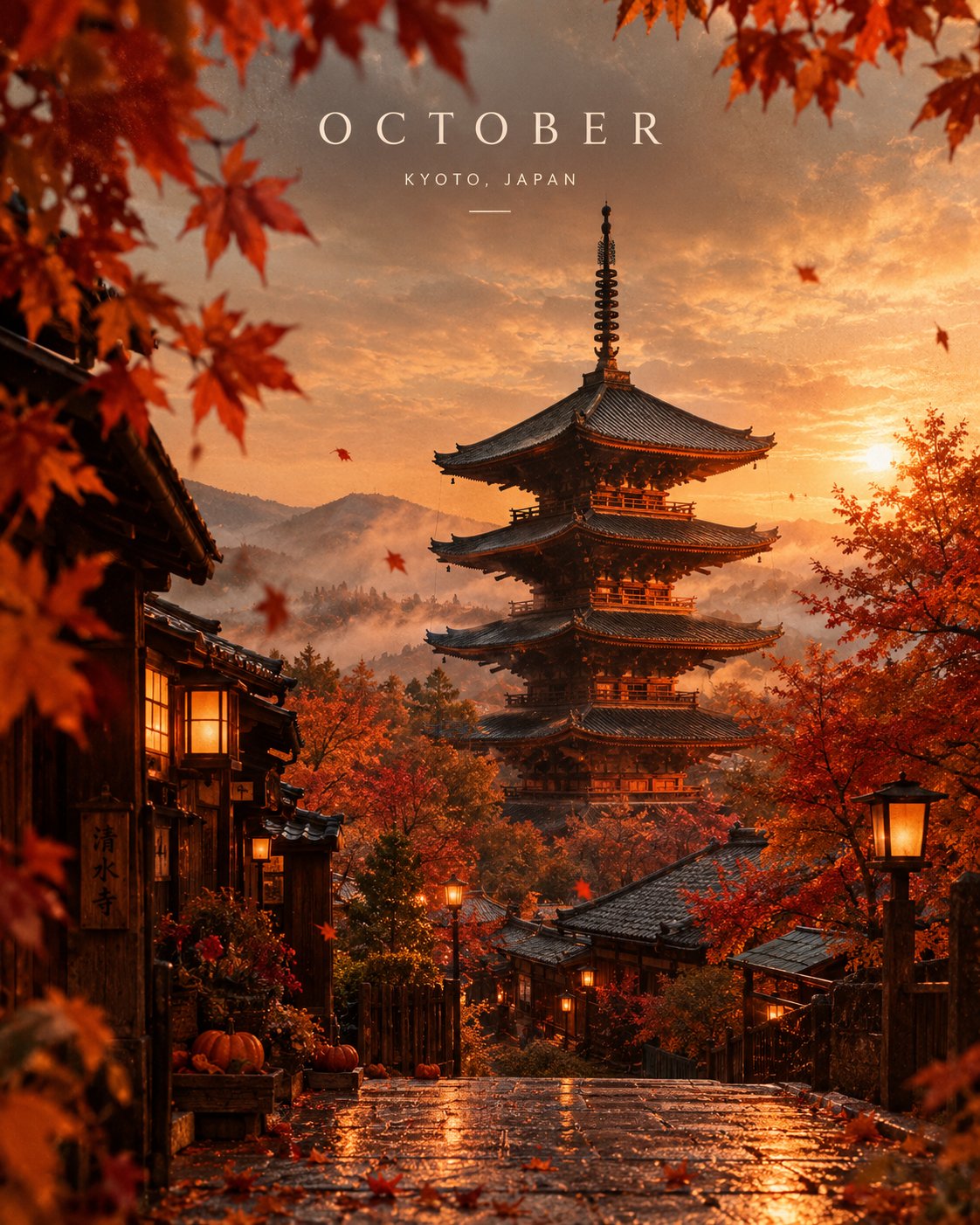
vidu-q4.com is a third-party workbench for Vidu Q4 Preview, not the official Vidu site. We mirror the model's published capabilities: image-to-video, reference-to-video, native audio and output up to 4K.
Read the guidesVidu Q4I2V / Ref2VGeneration consumes credits based on clip length and resolution. The workbench shows the exact credit cost before you submit. Plans and credit packs are listed on the pricing page.
See pricingVidu Q4 (Preview) is ShengShu Technology's flagship video model focused on image-conditioned generation: image-to-video animates a single frame, while reference-to-video keeps characters and objects consistent using up to 12 reference images and up to 3 audio references.
No. vidu-q4.com is an independent third-party workbench for Vidu Q4 with guides and prompt examples. It is not affiliated with, endorsed by, or operated by Vidu or ShengShu Technology.
Generation consumes credits based on clip length and resolution. The workbench shows the exact credit cost before you submit. Plans and credit packs are listed on the pricing page.
The workflows offered here are image-conditioned: image-to-video (one start frame) and reference-to-video (up to 12 reference images plus optional audio). A text prompt still steers motion, camera and style.
Reference-to-video accepts up to 12 images (characters, objects, scenes) and up to 3 audio or voice references. Mention images in your prompt with @image-1, @image-2 and so on.
Clips run 3-16 seconds at 540p, 720p, 1080p, 2K or 4K. Reference mode offers five aspect ratios; image-to-video follows the source frame's ratio.
Yes, Vidu Q4 produces synchronized audio (ambience, effects, speech) in the same pass as the video. Toggle 'Include audio' off for silent clips.
Videos generated through your account can be used in commercial projects subject to this site's terms and the model provider's usage policies. Review both before publishing client work.
Guides, references and official documentation.
Consistent characters, native audio, and up to 4K output, straight from your browser.